Speed Test App & Browser Extensions
SpeedCheck is available as a Progressive Web App (PWA) and as browser extensions for Chrome and Firefox. The PWA installs from any modern browser in two taps and works offline; the extensions add a one-click speed test to your toolbar with results in roughly 30 seconds. All versions are free, contain no ads inside the extension, and never collect personal data — settings stay in local storage on your device.
Test your internet speed instantly – install SpeedCheck as an app on your phone or as a browser extension for Chrome and Firefox. Free, fast, and always one click away.
SpeedCheck App
Install SpeedCheck as an app on your device – no app store needed, directly from your browser.
- No app store download required
- Works on iOS, Android & Desktop
- Own app icon on your home screen
- Open speed-check.net in Safari
- Tap Share
- Select Add to Home Screen
Chrome Extension
Run a speed test right from your browser toolbar – with one click.
- One-click speed test from the toolbar
- For Chrome, Edge & Brave
- Quick results without switching tabs
Click "Install" and the extension will be added to your browser automatically. Also works in Edge and Brave.
Firefox Extension
Run a speed test right from the Firefox toolbar – with one click.
- One-click speed test from the toolbar
- For Firefox 140+
- Quick results without switching tabs
Click "Add to Firefox" and the extension will be installed automatically. Requires Firefox 140 or later.
Why Use a Speed Test App or Extension?
Running a speed test should be effortless. While you can always visit the SpeedCheck website to measure your internet speed, having a dedicated app or browser extension makes the process even faster. Instead of opening a new tab and navigating to a testing tool, you can launch a complete speed test with a single click directly from your toolbar or home screen.
A speed test extension is especially useful for troubleshooting connectivity issues in real time. When your video call starts buffering or a download feels unusually slow, you can instantly check your upload and download speeds without interrupting your workflow. The SpeedCheck extensions measure download speed, upload speed, and ping latency using Cloudflare's globally distributed edge network for fast, accurate results.
For mobile users, the SpeedCheck Progressive Web App (PWA) offers a native-app experience without the overhead of an app store download. It installs directly from your browser, adds an icon to your home screen, and launches in its own window – just like a native app. This makes it ideal for regularly monitoring your WiFi speed or checking connection quality on the go.
Instant Access
One click from your toolbar or home screen – no navigation needed
Local History
Your last 5 results saved in your browser for quick comparison
Full Measurements
Download, upload, ping & jitter – same accuracy as the website
How the SpeedCheck Extension Works
The SpeedCheck browser extensions for Chrome and Firefox use Cloudflare's globally distributed edge network to measure your internet connection. When you click the "Start" button, the extension performs three sequential measurements:
- Download speed – Measures how fast data travels from Cloudflare's nearest edge server to your device, simulating real-world file downloads and streaming.
- Upload speed – Measures how fast data travels from your device to the server, critical for video calls, cloud backups, and file sharing.
- Ping latency – Measures the round-trip response time between your browser and the server, essential for gaming and real-time applications.
Because Cloudflare operates servers in over 300 cities worldwide, the extension connects to a server geographically close to you, minimizing routing overhead and providing measurements that closely reflect your actual internet performance. The entire test completes in approximately 15 seconds.
The full SpeedCheck website at speed-check.net additionally supports the M-Lab NDT7 protocol with multiple server locations, offering extended diagnostics including jitter analysis, detailed connection grading, and comprehensive network diagnostics.
PWA App vs. Browser Extension – Which One Is Right for You?
Not sure whether to install the SpeedCheck app or the browser extension? Here's a quick comparison to help you decide. Both are free and use the same accurate network speed test engine.
| Feature | PWA App | Chrome Extension | Firefox Extension |
|---|---|---|---|
| Mobile support | ✅ iOS & Android | ❌ | ❌ |
| Desktop support | ✅ | ✅ | ✅ |
| Toolbar icon | ❌ | ✅ | ✅ |
| Home screen icon | ✅ | ❌ | ❌ |
| Works offline | ✅ Partial | ❌ | ❌ |
| Test without switching tabs | ❌ | ✅ | ✅ |
| App store required | ❌ No | Chrome Web Store | Mozilla Add-ons |
| Test history | ✅ Full | ✅ Last 5 | ✅ Last 5 |
| Price | Free | Free | Free |
Our recommendation: Install the browser extension on your desktop for quick toolbar access, and add the PWA to your phone's home screen for mobile speed tests. Both work independently and complement each other perfectly.
Browser & Platform Compatibility
SpeedCheck is designed to work across all major browsers and platforms. Whether you prefer Chrome, Firefox, Edge, or Safari, there's a SpeedCheck option for you. Here's a detailed breakdown of compatibility:
| Browser / Platform | Extension | PWA | Website | Notes |
|---|---|---|---|---|
| Google Chrome 88+ | ✅ | ✅ | ✅ | Full support including PWA install prompt |
| Microsoft Edge 88+ | ✅ | ✅ | ✅ | Chromium-based – installs from Chrome Web Store |
| Brave | ✅ | ✅ | ✅ | Chromium-based – installs from Chrome Web Store |
| Mozilla Firefox 140+ | ✅ | ❌ | ✅ | Extension via Mozilla Add-ons; Firefox does not support PWA install |
| Safari (macOS) | ❌ | ✅ | ✅ | PWA via "Add to Dock" (macOS Sonoma+) |
| Safari (iOS / iPadOS) | ❌ | ✅ | ✅ | PWA via Share → "Add to Home Screen" |
| Android Chrome | ❌ | ✅ | ✅ | Full PWA support with install prompt |
Tip: On desktop, we recommend using the browser extension for the fastest access. On mobile devices where extensions aren't available, the PWA provides the best experience with its own app icon and standalone window. You can always use the full SpeedCheck website in any modern browser.
How to Install SpeedCheck
Chrome, Edge & Brave
- 1Visit the SpeedCheck page on the Chrome Web Store
- 2Click "Add to Chrome"
- 3Confirm by clicking "Add extension"
- 4Click the SpeedCheck icon in your toolbar to run your first test
iPhone & iPad (PWA)
- 1Open speed-check.net in Safari
- 2Tap the Share button (square with arrow)
- 3Scroll down and tap "Add to Home Screen"
- 4Tap "Add" – SpeedCheck now appears as an app icon
Android (PWA)
- 1Open speed-check.net in Chrome
- 2Tap the three-dot menu (top right)
- 3Select "Install app" or "Add to Home screen"
- 4Confirm – SpeedCheck is now installed as an app
Firefox
- 1Visit the SpeedCheck page on Firefox Add-ons
- 2Click "Add to Firefox"
- 3Confirm by clicking "Add" in the permission dialog
- 4Click the SpeedCheck icon in your toolbar to run your first test
Frequently Asked Questions
Is the SpeedCheck browser extension free?
Does the Chrome extension work in Edge and Brave?
What data does the SpeedCheck extension collect?
What is the difference between the PWA app and the browser extension?
How accurate is the speed test in the extension?
Can I see my speed test history in the extension?
Do I need to create an account to use SpeedCheck?
Why should I use a speed test app instead of a website?
How often should I run a speed test?
Can I use SpeedCheck on multiple devices?
Related Articles
Explore more guides and insights about internet speeds and connectivity.
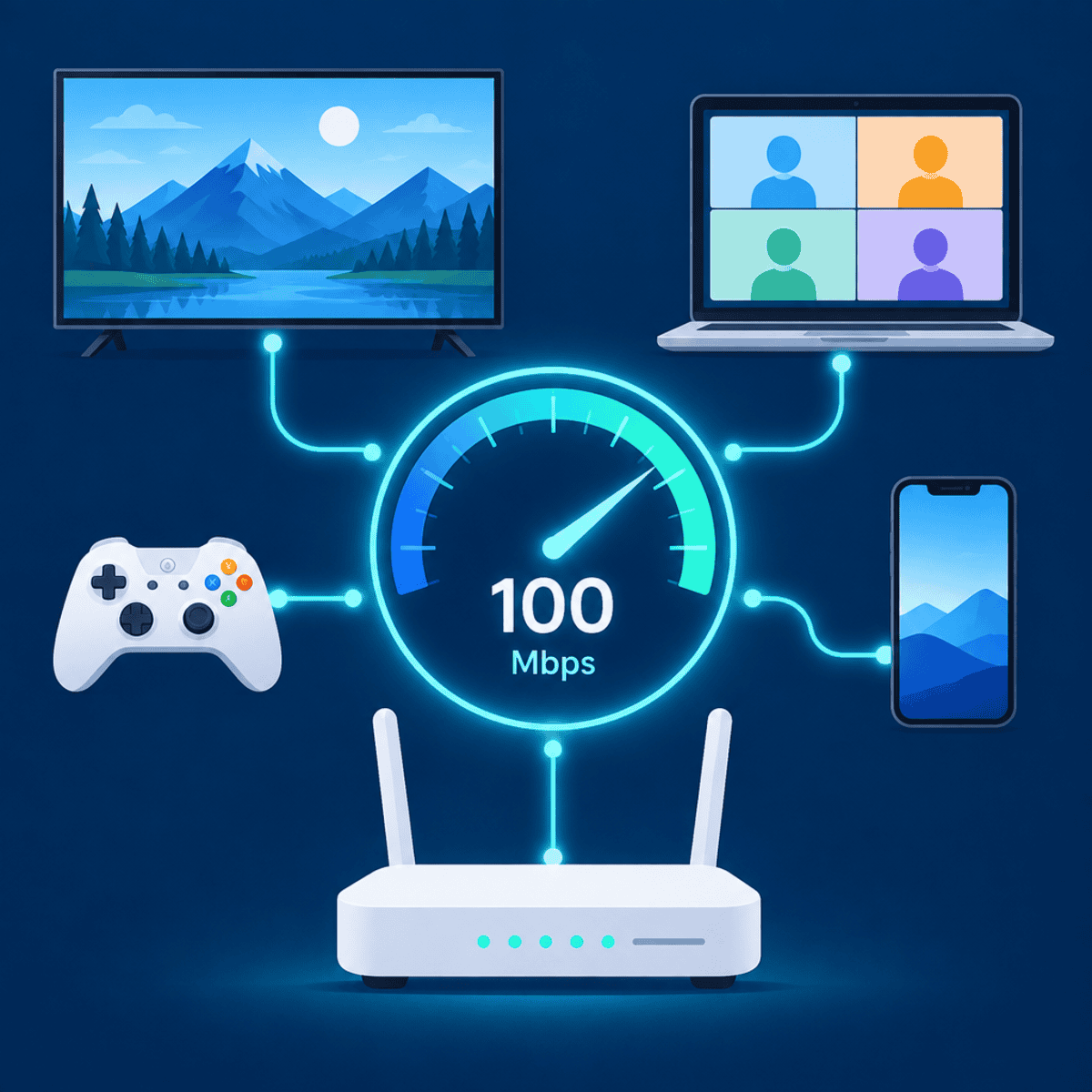
Is 100 Mbps Fast? What It Really Handles in a Real Home
Is 100 Mbps fast enough? Real download times, how much bandwidth streaming, gaming, video calls and smart devices actually use, why upload is the hidden limit, and when upgrading to 300, 500 or 1000 Mbps is worth it. Includes a household checker and 8 expert FAQs.
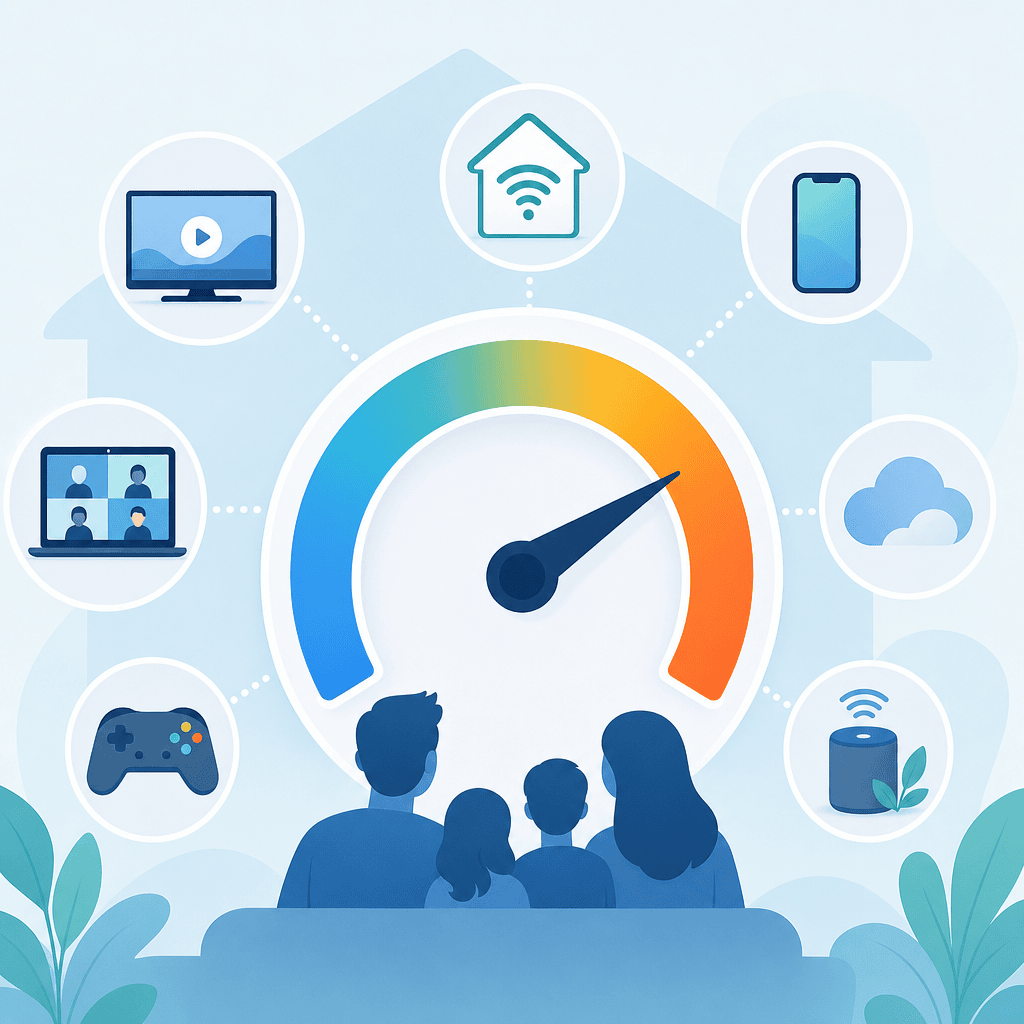
How Many Mbps Do I Need? Complete Guide by Use Case & Household Size
How many Mbps do you really need? Get exact requirements for streaming (25 Mbps for 4K), gaming (5 Mbps + low ping), video calls (8 Mbps), and remote work. Includes a household-size calculator, 7-step formula, comparison tables for every activity and 8 expert FAQs.
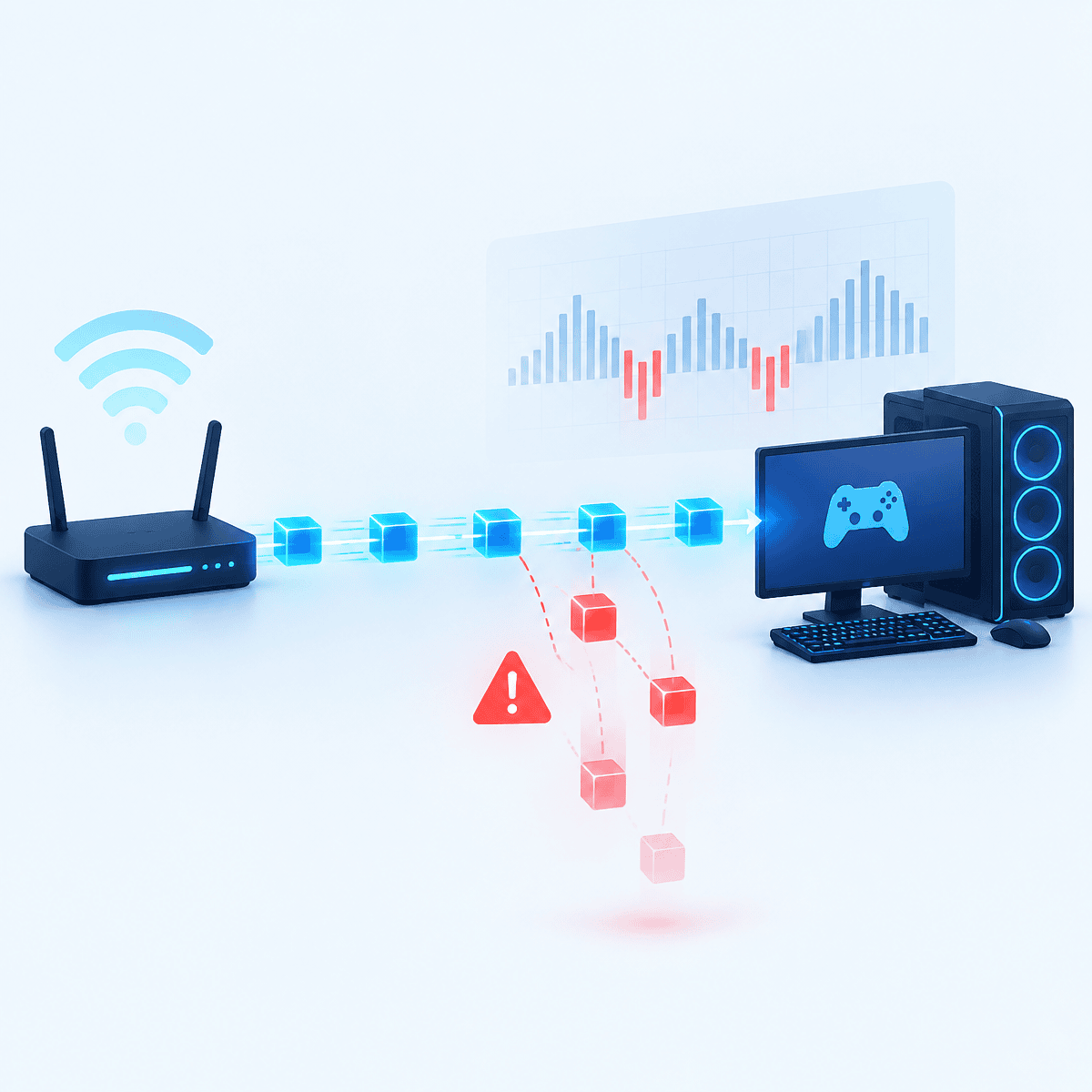
How to Fix Packet Loss: Causes, Tests & 10 Proven Fixes
Packet loss explained: what it is, how to measure it with a 100-packet ping, how to tell whether your WiFi, your hardware or your ISP is dropping packets, and 10 step-by-step fixes for gaming, video calls and streaming. Includes a diagnosis helper and traceroute reading guide.